
Worksoft 12.x Support Ends December 31, 2026
Protect what you have built. Prepare for what comes next.
If your organization is still running Worksoft 12.x, now is the time to start planning your upgrade.
Your existing Certify processes and automation assets remain the foundation. The upgrade path is designed to preserve that investment while giving your teams access to the latest capabilities across automation, testing intelligence, orchestration, reporting, security, and platform infrastructure.
Move Forward Without Starting Over
Upgrading does not mean rebuilding your automation program.
Your existing process library carries forward, helping your teams maintain continuity while modernizing the platform around it. Worksoft can help assess your current environment, identify dependencies, and develop an upgrade plan aligned with your transformation roadmap and delivery calendar.
What Your Teams Gain
The latest Worksoft platform
The latest Worksoft platform brings together smarter automation, stronger orchestration, clearer reporting, and modern enterprise controls – helping teams reduce maintenance, focus testing on business risk, and manage change with greater confidence.
01
AI-Powered Automation
Worksoft Certify now includes self-healing automation that adapts when applications change, AI-powered root cause analysis that automatically categorizes test failures, and natural-language failure summaries that give both technical teams and executive stakeholders a clear picture of what failed and what it means operationally.
The AI runs on-premises by default, keeping your execution data and process context within your environment.
That matters in regulated industries where data residency and auditability are operational requirements, not preferences.
02
Impact-Driven Testing
Worksoft Impact now connects directly to test execution.
When a change is introduced, the platform analyzes what actually changed in your SAP landscape, maps it to the business processes and tests that are affected, and triggers only the tests genuinely required for that change.
Teams stop running regression suites that have no relationship to what changed.
For organizations managing S/4HANA programs, where testing routinely represents 30% to 40% of total transformation expenditure, that alignment between change and test scope has a direct effect on cost and cycle time.
03
Integrated Test Data Management
Worksoft Data Connect, powered by EPI-USE Labs, delivers integrated SAP test data management and automated system refresh capabilities.
Teams can provision secure, production-like SAP test data on demand, without requiring full system copies and without the compliance exposure that comes from using production data in test environments.
Testing that runs against realistic data produces results that reflect real operational risk.
04
Enterprise Test Orchestration
Execution Manager has been replaced by Continuous Testing Manager (CTM), substantially enhanced for organizations managing multiple transformation programs in parallel across different environments, release cadences, and risk thresholds.
CTM brings enterprise-scale scalability, usability, fault tolerance, RDP and license retry capabilities, and agent management improvements that reduce the operational friction of running complex, concurrent test programs
05
Modern Reporting and Release Visibility
Worksoft Reporting Services replaces the previous reporting engine with real-time visibility, parallel report generation, report archives, built-in templates, and an audit trail that compliance-sensitive environments require.
Executives get the release readiness picture they need, not just pass rates.
Executives get the release readiness picture they need, not just pass rates.
Teams get the operational data to understand coverage, risk, and trend. API-based access extends that data to downstream systems.
02
More Resilient Test Automation
Major enhancements to Worksoft Certify include improved object recognition, expanded browser support, SAP Fiori automation, embedded web technology support, and self-healing capabilities that now extend to web interfaces across SAP and non-SAP applications.
When a test encounters a minor application change, it adapts in real time rather than failing.
The adaptation is surfaced transparently so teams retain governance over whether changes are made permanent.
03
Faster Test Creation and Maintenance
Worksoft Business Capture has been enhanced with native macOS support, improved object management, simultaneous capture and execution, and a more accessible automation creation experience.
These improvements reduce the friction of building and maintaining test coverage, allowing more of your team’s capacity to go toward coverage expansion rather than upkeep.
04
Enterprise Authentication and Security
Platform-wide SSO support via OpenID, LDAP, and OAuth, Microsoft 365 integration, and stronger enterprise security controls are now standard.
Standalone licensing from 12.x is replaced by Worksoft Portal-based licensing, which simplifies administration across complex, multi-environment deployments.
05
Cloud-Ready Platform
The Automated Cloud Installer reduces implementation effort and supports cloud-ready deployment with modern authentication and compatibility with the latest SAP and enterprise technologies.
Platform modernization includes .NET 10 readiness and SQL Server 2022 support, positioning your testing infrastructure to scale alongside your broader IT landscape.
Why Start Planning Now?
A successful upgrade requires more than installing a new release.
Your environment, integrations, infrastructure, release schedule, and active transformation programs may all influence the right approach. Starting early gives your teams time to:
- Review the current environment and technical dependencies
- Identify integrations that require migration or replacement
- Coordinate the upgrade with other business and IT initiatives
- Validate critical business processes before production use
- Complete the transition before support ends
The earlier the conversation begins, the more flexibility your organization has to upgrade on its own terms.
Schedule a Meeting
Talk Through Your
Challenges
FAQ
Frequently Asked Questions (FAQ)
MAXIMO COVERAGE
End-to-End Validation Across the
Full Asset Lifecycle
Most critical Maximo work crosses maintenance, procurement, inventory and compliance, and
reaches into ERP, mobile and middleware. Worksoft validates the complete process the way you
designed it, across applications and integrations.
Maintenance-to-Repair
Validate the full path from work order creation through execution and closeout across Maximo and connected systems. Continuous testing confirms that state-driven logic and role-based behavior hold up as workflows and configurations change.
Preventive and Predictive Maintenance
Scheduled and condition-based maintenance depends on accurate triggers, asset data and IoT signals. Automated validation confirms these processes fire as intended, so planned work keeps assets running and avoids unplanned downtime.
Inspection and Compliance
Errors in inspection and compliance workflows carry real regulatory and operational cost. Outcome-based testing protects the accuracy of compliance-critical processes and produces reusable evidence of what was validated, so audits hold up under scrutiny.
Resources
Understand Worksoft’s Impact
White Paper
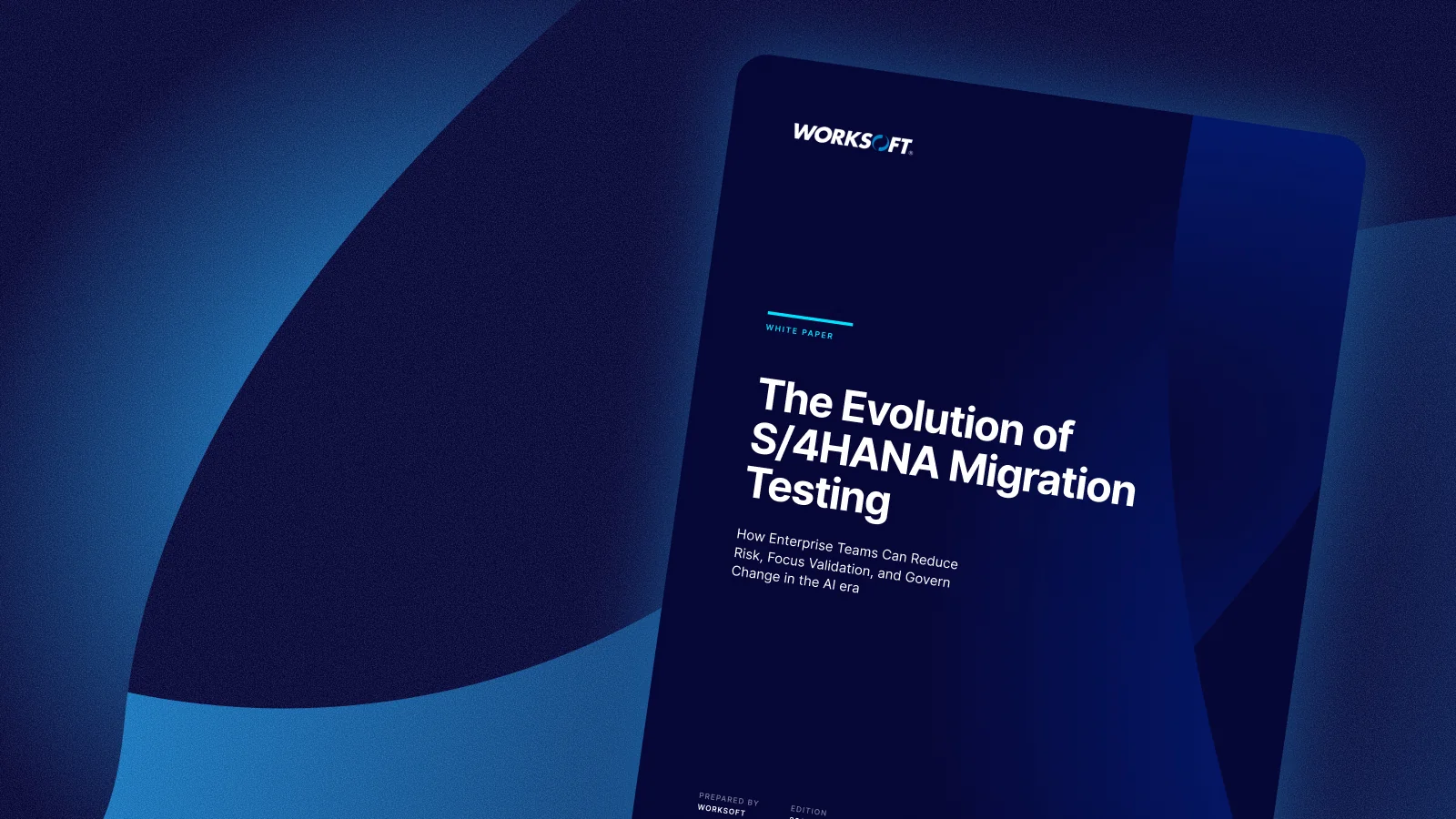
The Evolution of S/4HANA Migration Testing
A look at how S/4HANA migration testing has evolved and what this means for you and your team.

Blog
A Continuous View of Automation Program Health
Stale assets, technical debt, and governance gaps build quietly as automation programs scale. Automation Insights, an add-on to the Worksoft Connective Automation Platform, evaluates those risks daily across more than 40 metrics and points teams to the assets that need attention.

Research Report
Testing in the Age of AI
AI is moving deeper into enterprise operations, but many organizations are still working out how to operationalize it at scale. A commissioned study conducted by Forrester Consulting on behalf of Worksoft.
See It in Action
See Worksoft Validate Your Maximo Processes
Watch how Worksoft keeps asset-critical Maximo processes running through every change, then book time with our team to see it applied to your environment.